

Hikvision Hik-Connect centrally manages security
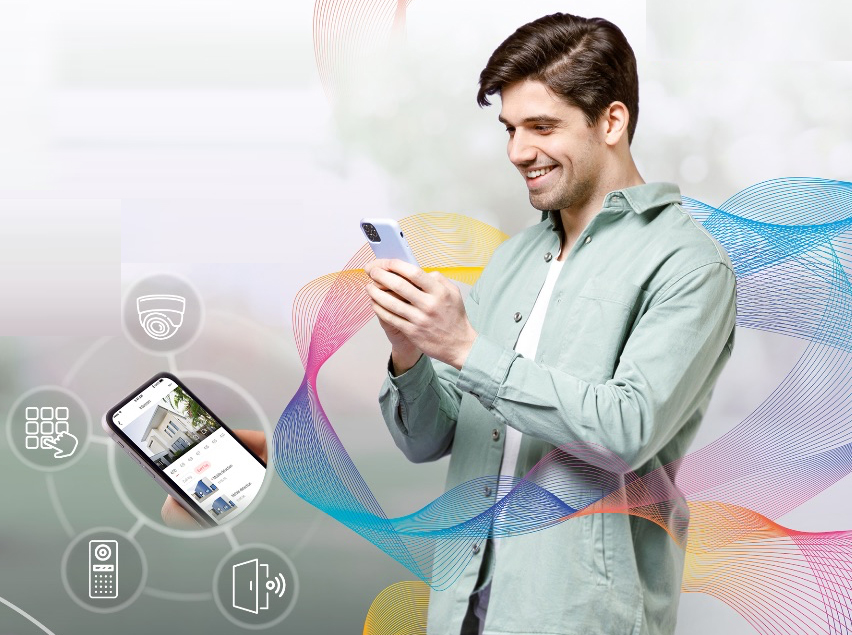
The convergence of Hikvision and the compatibility of its equipment makes it possible for CCTV systems, access control, intercom and alarms can be quickly integrated into Hik-Connect.
Hikvision Hik-Connect is the platform designed for the end user that allows you to control all security devices in a centralized and intuitive way.
Thanks to the convergence and compatibility of equipment, CCTV systems, access control, Intercom and alarms can be quickly integrated into Hik-Connect. With this platform, a connected security architecture can be built covering all the needs of the end user.
Each Hikvision product has a QR code that can be scanned from Hik-Connect, which allows equipment to be registered in a very simple way on the platform. Besides, From the application you can configure different notifications, from calls to the intercom, even notifications of each access or alarms with video clips.
It has a simple way to arm and disarm the alarm. You just have to press a button. And allows you to consult the alarm history at any time.
Hik-Connect adds more value to the end user installation as, besides, This will be able to share the devices with family or employees to view them and interact with them.; authorize a third party to manage the security installation and maintain equipment in real time, resolve incidents remotely and avoid unnecessary travel.
Finally, Hikvision has a specific application for the installer: Hik-Partner Pro. with her, The installer will be able to carry out comprehensive management of the installation, view the status of the equipment and receive information about breakdowns. Thus, You will be able to maintain the security installation in real time, resolve incidents remotely and make travel due to breakdowns more effective.
Advantages of the application:
- Easy to use app.
- Clear design with various templates for a more intuitive and personalized interaction.
- Device status indicators displayed directly with icons: online/offline, hard drive status, battery, Wi-Fi, systems health…
- Snapshot: to take and refresh live images to provide up-to-date information.
- Button for quick actions: change alerts, arm or disarm alarms, etc…
- Offers filtered video searches. User can find specific events through filters by date, event, people or vehicles. You can generate the video clips relative to those filters.
- Remote access management. From the mobile phone you can receive calls to the intercom, visualize in real time who is on the other side and even talk to the visitor on the phone. Besides, You can consult the history of calls to the intercom or the history of accesses.
¿Te gustó este artículo?
Subscribe to our NEWSLETTER and you won't miss anything.