


Qnap QVR Pro turns NAS into a professional NVR solution
This tool offers NAS functionalities and allows integration with a wide range of IoT devices.

QVR Pro is a surveillance app, developed by Qnap Systems, running alongside the NAS OS as a standalone environment. This app turns a Qnap NAS into a professional NVR solution with the benefits of storage expandability and integration with a wide range of IoT devices for an enhanced video surveillance experience..
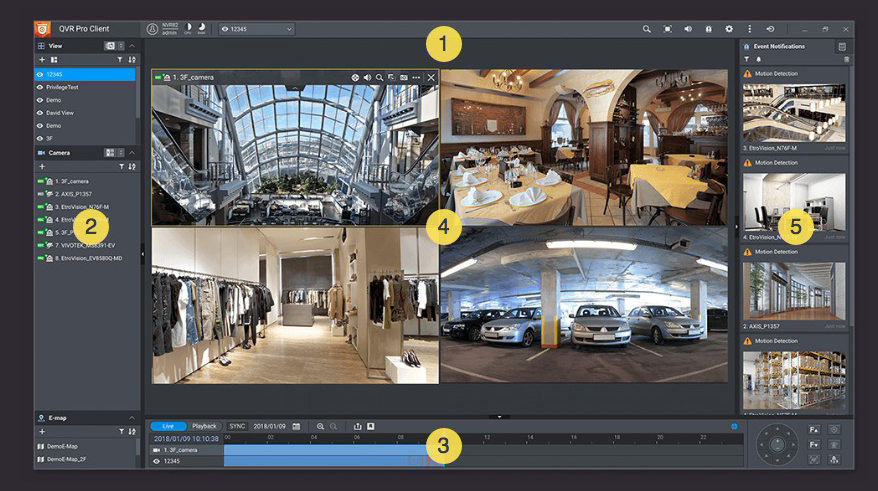 “QVR Pro is the culmination of knowledge gained after analyzing Qnap NVR user feedback for over ten years.. With this solution we want to offer improved use, Powerful features and the addition of NAS functionality, including cross-platform client management and monitoring, CMS concepts, Failover and expandable storage capabilities”, comments Alan Kuo, Product manager de Qnap.
 QVR Pro has a dedicated storage space on the NAS which ensures that the storage is completely reserved for QVR Pro and is not affected by other applications on the NAS.
As the need for storage space increases, its capacity can be expanded by connecting Qnap expansion chassis to the NAS or using unused storage from another NAS of the same brand.
 Qnap provides various APIs so that users can integrate a wide range of cameras and configure event alerts and recordings.. IoT devices can also be used to make the surveillance system more secure and smart..
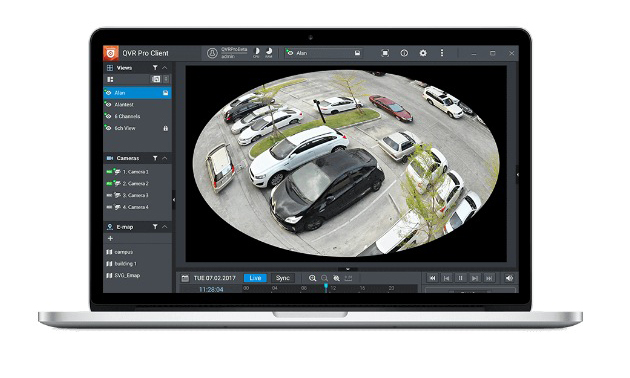
QVR Pro is compatible with a large number of camera models over 140 brands and a wide variety of image formats, allowing you to create different video surveillance solutions adapted to any environment, while providing easy camera management. Cameras can be searched through different networks, add/manage them in batches, use equipment 360 degrees and assign dedicated network interfaces.
 Users can pre-allocate capacity and dedicated storage space for recordings from each camera based on the scope and importance of monitoring. To ensure uninterrupted recordings, it is possible to set additional volume in the recording space. If the original volume fails, recordings can be stored in the backup.
Besides, Qnap has also launched a mobile version of QVR Pro Client that offers greater flexibility in managing and monitoring on the go.. Can be installed on Windows and Mac devices or HD Station on a Qnap NAS.
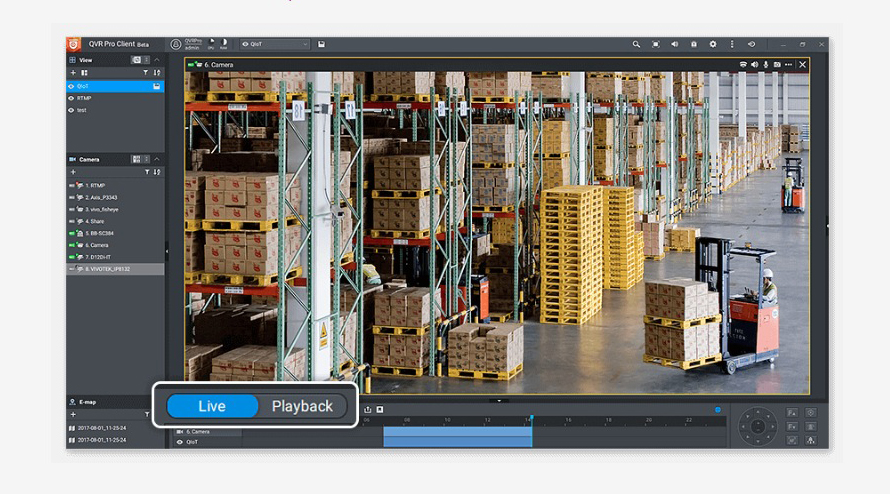
Users can flexibly switch from live view or playback mode to have full control of monitored areas.
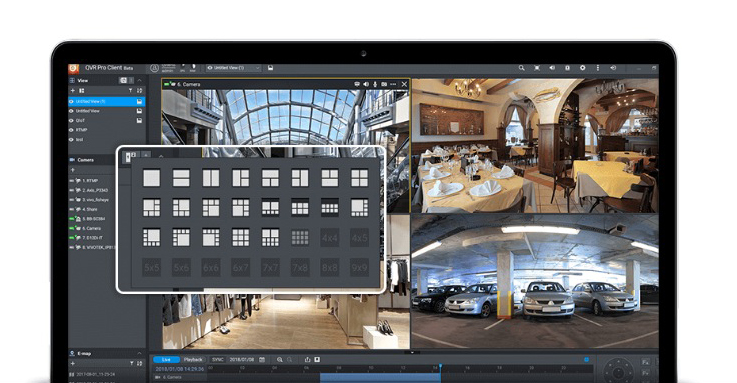
This latest mobile version offers multiple display layouts and allows users to monitor multiple channels simultaneously.
NAS system requirements:
- x86-based Qnap NAS (64-bit) with at least 4 GB of RAM, although it is advisable to have 8 GB for a smooth experience.
- QTS 4.3.3 the superior.
- Have Container Station installed 1.7.2551 or higher before using QVR Pro.
¿Te gustó este artículo?
Subscribe to our NEWSLETTER and you won't miss anything.