


Bosch updates its VMS software to version 10.1 to provide greater security and protection
This version incorporates the Access Management System tools 3.0 e Intelligent Insights. Besides, The Forensic Search function has been optimized to provide greater efficiency and ease of use.
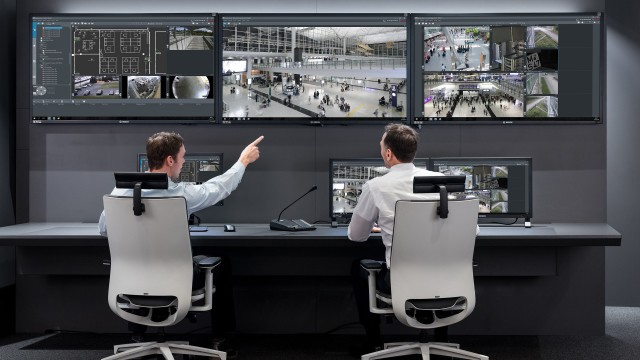
Bosch Security just released version 10.1 of your Video Management System software (BVMS), update that offers as new features its integration with Access Management System 3.0 e Intelligent Insights. Besides, Forensic Search event search has been improved to achieve greater efficiency and ease of use.
It is a resilient, modular security system that aggregates and delivers consolidated data to operators to help them make informed decisions., and that they can activate appropriate actions and implement a rapid response to improve safety and security.
Access Management System
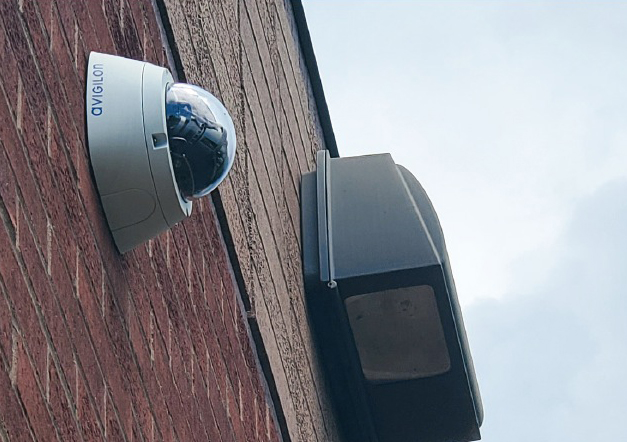 BVMS allows combining information from several security domains, meaning you can elevate a simple security system and turn it into a smart solution. When combined with Access Management System 3.0, Allows you to screen all people trying to enter using manual video verification.
Not only can the operator instantly verify if the person matches the cardholder registered in the database, You can also do a search for the activities of the owner and those that occur at the door. This way you can check who has entered a certain area and at what time, which is especially useful in scientific research.
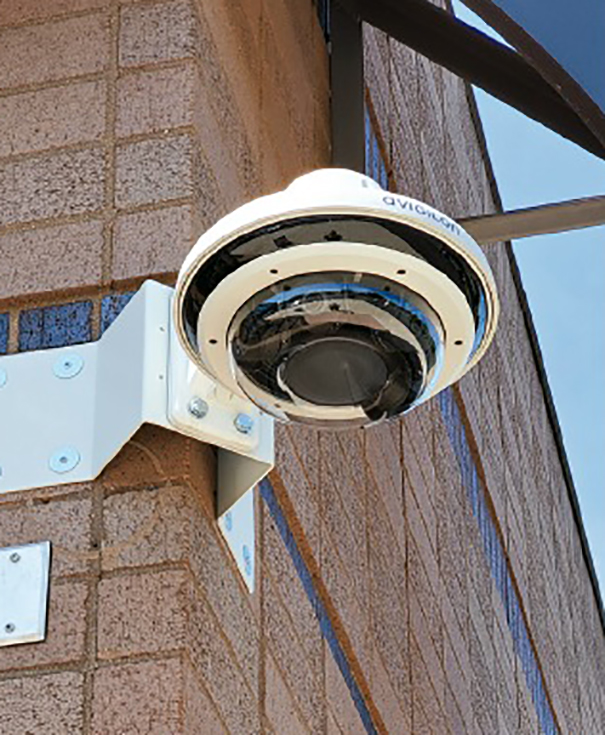 The good thing about full integration is that it eliminates the need to switch between different systems. Access Commands and Access Management System Events 3.0 can be managed directly from BVMS, increasing the efficiency of both domains. The integration also increases the overall level of security because an event in one domain can always trigger a reaction in another..
So, when a door is forced, For example, a camera can instantly start recording what happens at that door. Or if the video analytics of a smart camera detects that a certain point has become crowded, a door can be automatically unlocked to provide another exit.
When integrated with B and G Series intrusion control panels, all relevant intrusion events and alarms appear in the BVMS alarm list, in priority order with relevant information. Besides, critical alarms can provide automatic video checking from multiple cameras for an immediate overview of the scene.
Intelligent Insights
 Once the BVMS system is combined with Bosch cameras that have integrated Video Analytics, can be extended with Intelligent Insights, a data management software that aggregates and displays metadata from one or multiple cameras in intuitive widgets that are quickly and easily understood.
Intelligent Insights allows operators to see the number of objects counted, like people or cars, in a period of time, the movement of objects, the formation of a crowd or the level of filling of an area.
Everything is displayed in real time, so that operators can evaluate the data generated by multiple cameras and truly understand the situation and context.
A tool that completes the journey of metadata from the scene to the screen and presents it in a way that allows easy reading, easy interpretation and fast acting
Forensic Search
 Thanks to its improved Forensic Search function, BVMS, in combination with cameras with integrated Bosch Video Analytics, allows you to recover the correct sequences between hours of stored video instantly and analyze the scene with different statistics so that operators can act more quickly and efficiently against possible threats.
This function allows you to save preset search settings, along with their respective criteria. In this way, the entire search process is accelerated, which becomes more efficient by allowing operators to adjust and improve previous searches or simply repeat a search that has already been executed.
BVMS also offers smarter interaction between the Forensic Search dialog, the timeline and image playback panel, all within the same intuitive panel. This eliminates the need for operators to switch between different windows, since the incidents, objects and object filters such as color or speed are already defined in the search dialog.
Search results are displayed in selectable boxes on the timeline, that activate recorded video sequences in the image playback panel.
Besides, BVMS also generates a table view of the search results where operators can click without having to scroll through the timeline.
¿Te gustó este artículo?
Subscribe to our NEWSLETTER and you won't miss anything.